
Imagine an AI developer that works like a real software engineer. It doesn’t wait for someone to hand it a task. The moment a new Jira ticket appears, it reads the requirements, studies your existing code, writes production-ready features, tests them in a real browser, fixes its own bugs, deploys to UAT, updates Jira, and pings the team — with very little human help.
That is exactly what becomes possible when you combine Claude Code, the Model Context Protocol (MCP), Jira, CI/CD pipelines, and automated testing into one connected workflow. This guide walks through Claude Code Jira MCP automation step by step, in plain language, so a reader at any level can follow how an autonomous AI software engineer actually works — from a Jira ticket all the way to production.
1. The Future of Software Development
For years, AI tools could only write code. You asked, they generated a snippet, and a human did everything else — understanding the ticket, running the build, testing, fixing, and deploying.
The next step is bigger. Instead of helping with one small part, an AI can now handle the entire Software Development Life Cycle (SDLC): understand a requirement, plan it, build it, verify it, release it, and report back. In other words, the AI stops being a “code generator” and starts behaving like an AI software engineer that owns a task end to end.
2. High-Level Architecture
Before the details, here is the full journey a single Jira ticket takes through the autonomous pipeline. Each box hands off to the next automatically.
(repeat until tests pass)
3. Technologies Used
The workflow is built from tools most engineering teams already know. Claude Code orchestrates them through MCP:
Claude Code CLI Model Context Protocol (MCP) Atlassian Jira GitHub & Git Playwright Docker Azure DevOps / GitHub Actions CI/CD Selenium (optional) Node.js PowerShell VS Code
4. Step 1 – Monitor Jira Emails
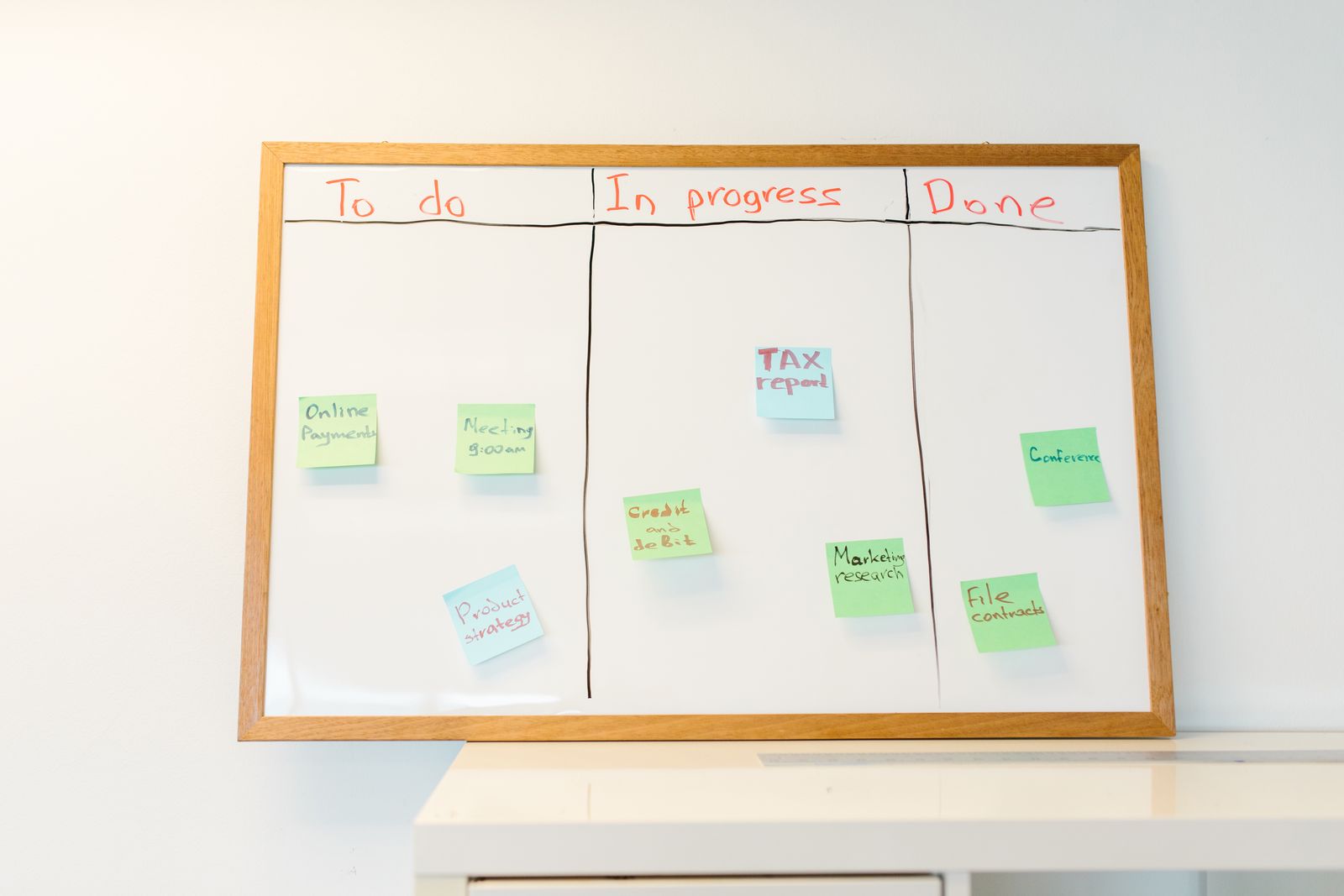
Instead of constantly asking Jira “is there anything new?” (which wastes resources), the AI simply watches a project mailbox — the same notification emails your team already receives.
- Watch a shared project mailbox.
- Detect a new Jira notification email.
- Extract the issue key from the subject line.
- Trigger the automation pipeline.
For example, an email titled “[CRM-245] Implement Customer Dashboard” arrives. Claude recognizes the issue key CRM-245 and starts working automatically — no human needs to press start.
5. Step 2 – Read Jira Through MCP
Now Claude connects to the Atlassian MCP server. MCP is the secure “translator” that lets the AI talk to Jira using your existing permissions. Through it, Claude pulls the full context of the ticket:
- Story description
- Acceptance criteria
- Attachments
- Linked issues
- Comments
- Priority
- Sprint information
This matters because good software comes from good context. With the complete picture, the AI builds what was actually requested — not a generic guess.
6. Step 3 – Analyze the Codebase
Before writing a single line, Claude studies the repository the way a careful new team member would:
- Identify the modules the change touches.
- Learn the project’s coding patterns and style.
- Find reusable components so it doesn’t reinvent the wheel.
- Detect dependencies that could be affected.
- Produce a clear implementation plan.
7. Step 4 – Implement the Feature
With a plan in hand, Claude writes the actual feature end to end:
- Backend APIs
- Business logic
- Database migrations
- Frontend components
- Input validation
- Configuration
- Unit tests
Because it followed the existing patterns in Step 3, the new code looks like it was written by someone already on the team.
8. Step 5 – Build the Project
Next, Claude compiles the application — and handles problems on its own:
- Restore dependencies.
- Compile the application.
- Read build errors and resolve them.
- Rebuild and retry after each fix until the build is clean.
9. Step 6 – Interactive Browser Testing
A build that compiles isn’t proof that the feature works. So Claude launches the real application and tests it like a user would, using a browser-automation tool such as Playwright:
- Navigate through the user flows.
- Fill in forms.
- Check that the UI behaves correctly.
- Verify API responses.
- Capture screenshots.
- Collect console logs.

10. Step 7 – The Autonomous Bug-Fix Loop
This is the heart of an autonomous engineer. When a test fails, Claude doesn’t stop — it repairs the problem itself:
- Analyze the logs.
- Identify the root cause.
- Modify the code.
- Rebuild.
- Retest.
- Repeat until every test passes — or a defined retry limit is reached.
The result is a self-healing development loop: the AI keeps improving its own work until the feature is genuinely working, or it stops and asks for help if it hits its limit.
11. Step 8 – Deploy to UAT
Once the feature passes testing, Claude ships it to a real test environment through your existing pipeline:
- Push the code to Git.
- Trigger the CI/CD pipeline (GitHub Actions or Azure DevOps).
- Deploy to the UAT environment.
- Run smoke tests.
- Verify the application is healthy.
12. Step 9 – Update Jira Automatically
Finally, Claude closes the loop by posting a clear progress update on the ticket — the kind of comment a diligent engineer would leave:
✓ Implementation completed

✔ Backend APIs developed
✔ Frontend completed
✔ Unit tests passed
✔ Interactive UI testing completed
✔ Smoke tests passed
✔ UAT deployment successful

Deployment URL:
https://uat.example.com

Artifacts:
• Build #245
• Test Report
• Screenshots

Ready for QA validation.
Then it moves the ticket to Ready for UAT or In QA, depending on your team’s workflow — keeping the board accurate without anyone updating it by hand.
13. Human Approval Gates
Autonomous does not mean unsupervised. The smartest setups keep a human in the loop at the moments that matter most:
- Approving deployments to production.
- Reviewing large or significant code changes.
- Handling ambiguous or unclear requirements.
- Signing off on security-sensitive modifications.
Everything routine runs on its own; anything risky pauses for a person to approve.

14. Benefits
- Reduced manual effort on repetitive tasks.
- Faster development cycles from ticket to UAT.
- Consistent implementation that follows your standards.
- Automated testing on every change.
- Continuous validation before anything ships.
- Improved traceability — Jira always reflects reality.
- Higher developer productivity, with people freed for design and hard problems.
- Shorter release times.
15. Challenges
Being honest about the limits matters as much as the promise. Real-world considerations include:
- Requirement ambiguity — vague tickets still need a human.
- Security and access control — the AI must have the right scopes, and no more.
- Long-running tasks — big features can take time and coordination.
- Cost of AI usage — heavy automation has a real compute bill.
- Governance and auditing — every action should be logged and reviewable.
- Preventing unintended changes — guardrails keep the AI inside its lane.
16. Future Enhancements
This is just the beginning. The same foundation opens the door to capabilities such as:
- Automatic sprint planning.
- AI-generated architecture diagrams.
- Dependency impact analysis.
- Intelligent backlog refinement.
- Multi-agent collaboration, where several AI agents work together.
- Automated documentation updates.
- Production monitoring with self-remediation.
Why This Approach Stands Out
Most articles stop at simply connecting Claude Code to Jira. This goes much further — describing an end-to-end autonomous software development lifecycle where Claude acts as an AI engineer: detecting a Jira issue from an email, implementing the solution, validating it with automated tests, deploying to UAT, and keeping Jira updated throughout. That is the direction AI-assisted software delivery is heading, and it’s a shift engineering leaders and developers can start preparing for today.
Build Your Own Autonomous AI Developer
Want to turn Jira tickets into tested, deployed features with an AI software engineer of your own? At CloudVerve Technologies, we help teams design and implement Claude Code + Jira MCP automation — from the first MCP connection to full CI/CD, testing, and governance. Talk to our team to map out your autonomous development roadmap.